
Automation you can trust.
Full visibility into every workflow run. Approvals, audit logs, and guardrails—so you stay in control.
Human-in-control approvals
Every action goes through an approval queue. You review what will happen before it executes. No surprises, no autonomous changes.
Complete audit logs
Every workflow run, every action taken, every approval given — all logged with timestamps, user IDs, and full context.
Clear accountability
Know exactly who approved what, when, and why. Trace any change back to its source with complete documentation.
How approvals work
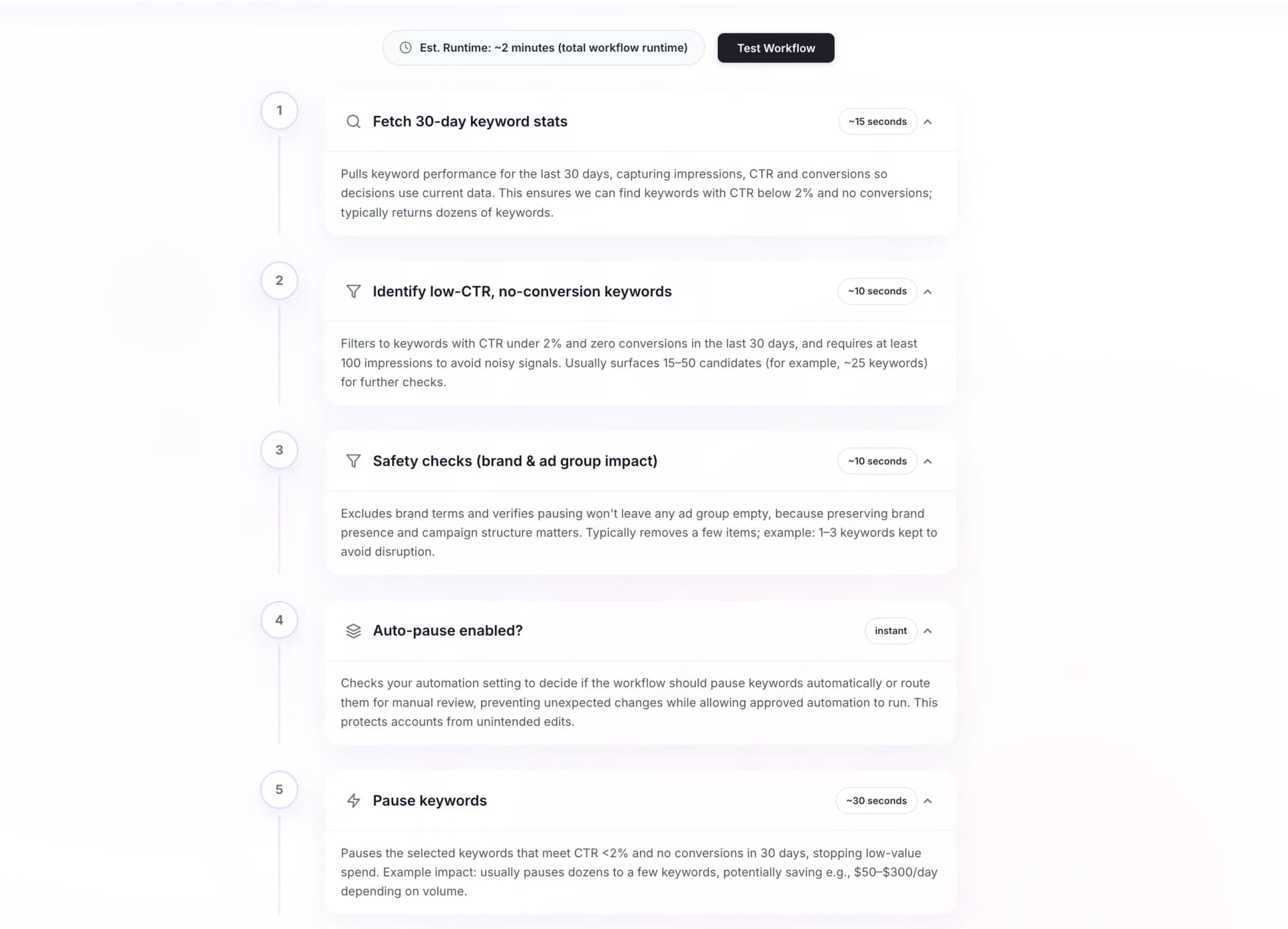
When a workflow identifies an action to take, it doesn't just execute. Instead:
- 1Action is queued
The workflow identifies what should happen and adds it to your approval queue.
- 2You review the details
See exactly what will change, why, and what the expected impact is.
- 3Approve or reject
Give the green light or reject with a reason. The action only runs after approval.
- 4Action is logged
Everything is recorded — the action, the approval, the result.
Governance features
Role-based access
Control who can run workflows, who can approve actions, and who can view results.
Approval thresholds
Set rules for what requires approval and what can run automatically.
Change history
See exactly what changed in your ad accounts and why.
Revert capability
Undo actions if something goes wrong. Full rollback support.
Notification controls
Get alerts for the actions that matter to you, in Slack or email.
Export logs
Export audit data for compliance, reporting, or analysis.